

- 00000018WIA3013F770GYZ
- id_400270391.2
- Mar 9, 2022 12:51:35 PM
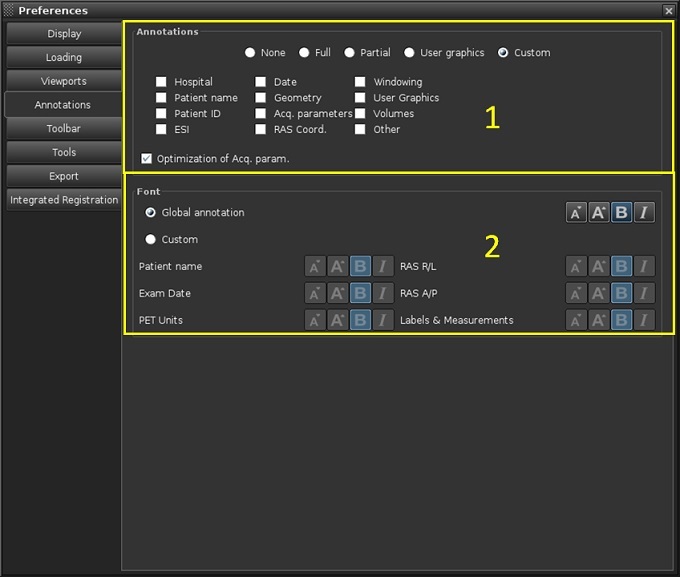
Annotations preferences: adjust annotation fields and fonts
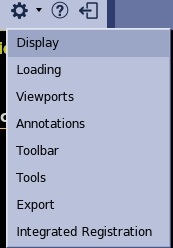
To view the Annotation Preferences screen, from the MR General Review work area, click the  in the upper right corner. From the Preferences menu, click Annotations.
| Number | Description/Procedure |
|---|---|
| 1 | Annotations areas
|
| 2 | Font area
Click one of the following to determine the font size and emphases (italics or bold face) for the image annotation:
These preferences only apply for display and not to the Filmer. |