- 00000018WIA306EA970GYZ
- id_400257131.2
- Mar 9, 2022 12:36:38 PM
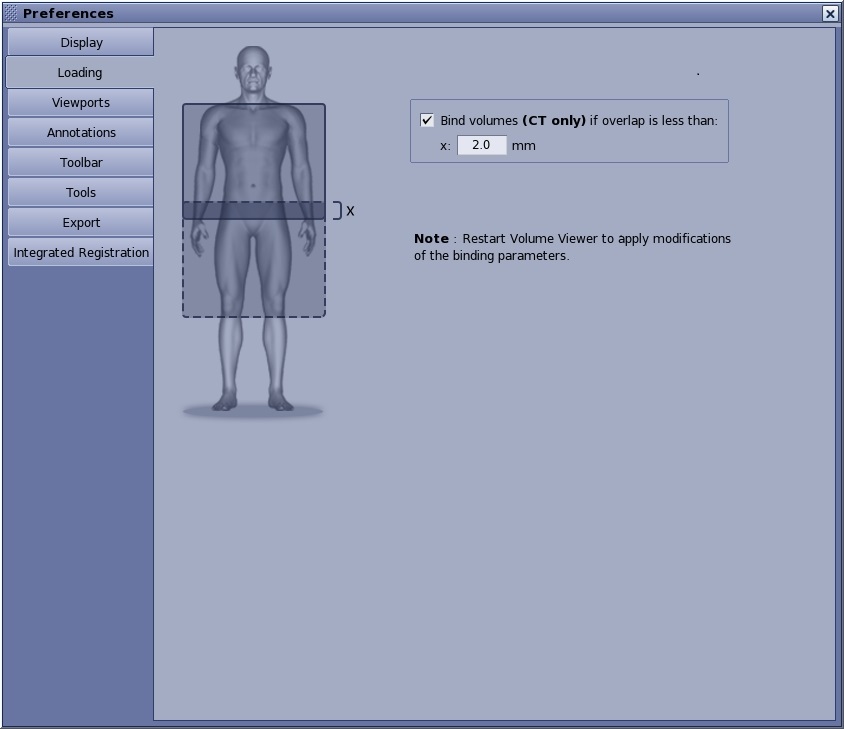
Loading preferences: bind CT volumes
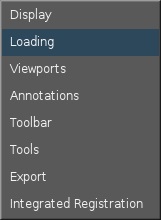
To view the Loading Preferences screen, from the MR General Review work area, click the  in the upper right corner. From the Preferences menu, click Loading. The Loading tab is used to bind CT volumes.