- 00000018WIA30788970GYZ
- id_400241201.3
- Mar 28, 2022 4:47:30 PM
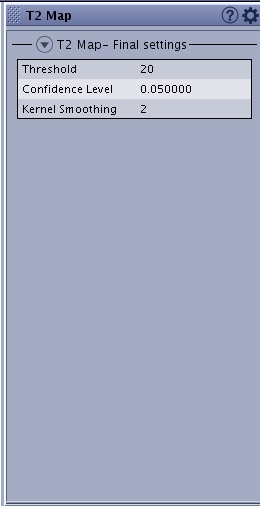
T2 Map screens
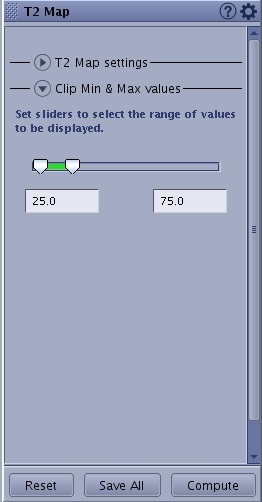
The T2 Map screen displays when a T2 Map series is selected from the Worklist Browser, READY View is launched, and a T2 Map protocol is selected.
For processing threshold details, see Threshold adjustment.
Review Steps
Review Steps content may vary if they have been customized and saved.
T2 Map screens
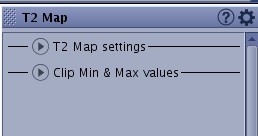
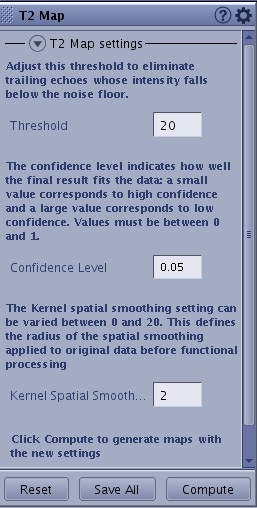
Tools
The Tools icon ( ) displays additional T2 Map selections.