

- 00000018WIA3045A970GYZ
- id_400234451.2
- Mar 9, 2022 1:07:46 PM
Integrated Registration preferences
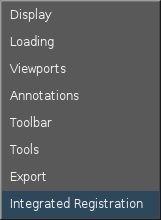
To view the Integrated Registration Preferences screen, from the MR General Review work area, click the  in the upper right corner. From the Preferences menu, click Integrated Registration.
| Number | Description/Procedure |
|---|---|
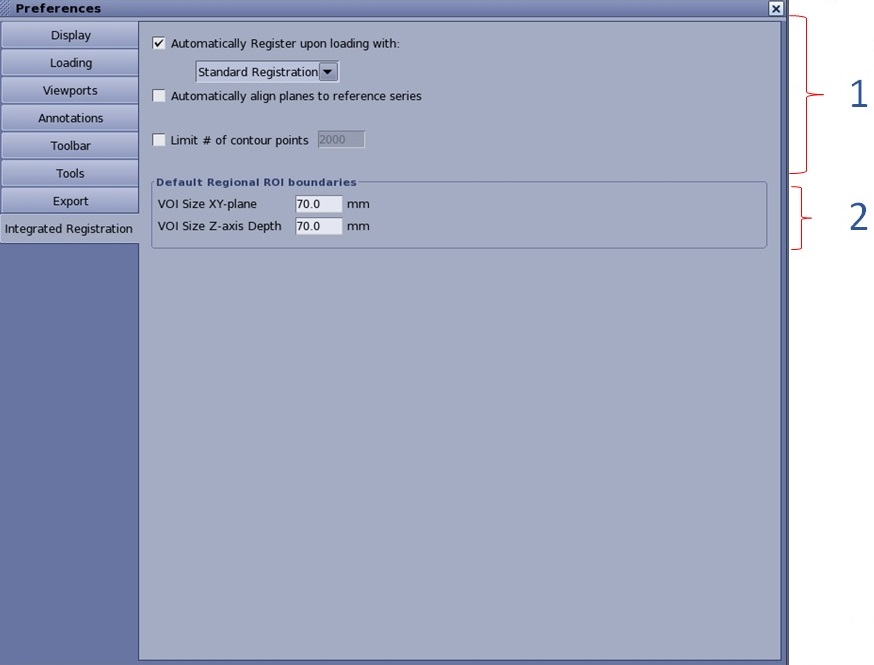
| 1 | Loading considerations
Enable or disable automatic registration upon loading
Automatically align planes to the reference series
Limit # of contour points
|
| 2 | Default Regional ROI boundaries
The default values are 70 mm for VOI size XY-plane, and 70 mm for VOI size Z-axis depth. When Fast ROI is utilized and the user draws a ROI in one of the reformat planes, the length (mm) of the 3rd dimension is used from this preference. Also, when you select Regional Registration (i.e., around the cursor), from the on-view menu option, the size of the box (which is not seen) is determined by this user preference. |