- 00000018WIA3011E190GYZ
- id_20342511.2
- Jun 17, 2022 3:20:23 AM
Mobile table protection
Please follow below requirement to power off your system.
User will not be able to power off the system except when mechanical dock is "ON", and electrical dock is "OFF".
- When user choose mechanical dock "ON" and electrical dock "OFF", click on the reason for the system shutdown. For details, see System Power Off
Figure 1. Exmaple of: System power off screen 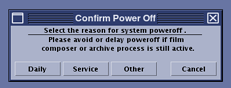
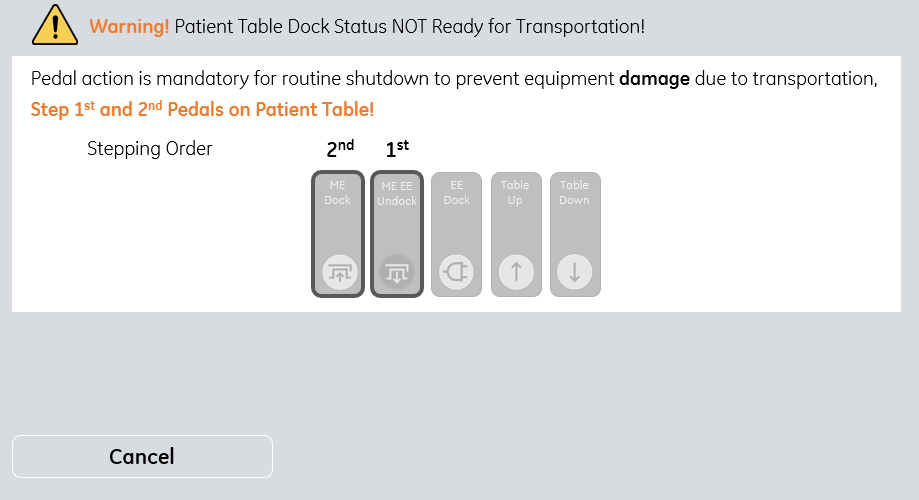
- When user choose mechanical dock "OFF" and electrical dock "OFF", "Confirm Before Power Off" window will pop up when the dock status is not as desired.
- When your User ID is "gesvc", please choose "NO", and click "Continue" button to power off your system. For details, see System Power Off
Figure 2. Example of: Confirm Before Power Off screen_gesvs version 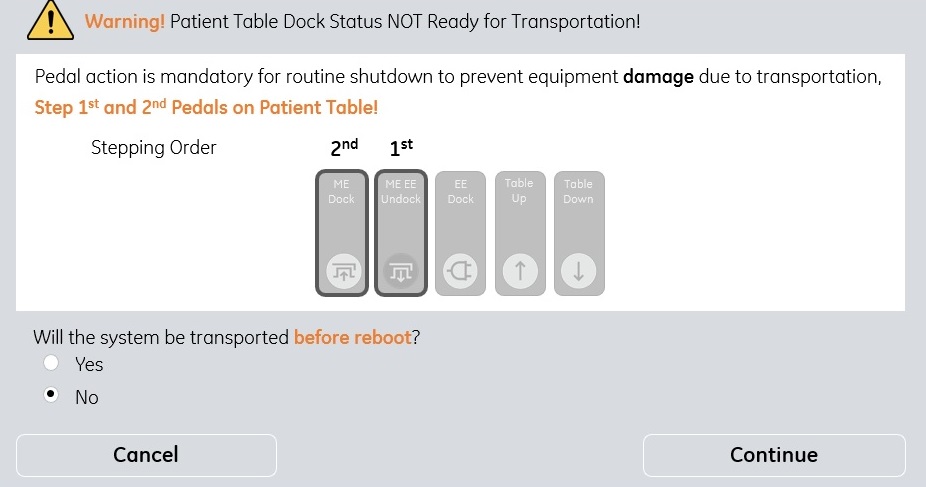
- When your User ID is "sdc", you're not able to powe off the system. Please contact with your system admin.
Figure 3. Example of: Confirm Before Power Off screen_sdc version 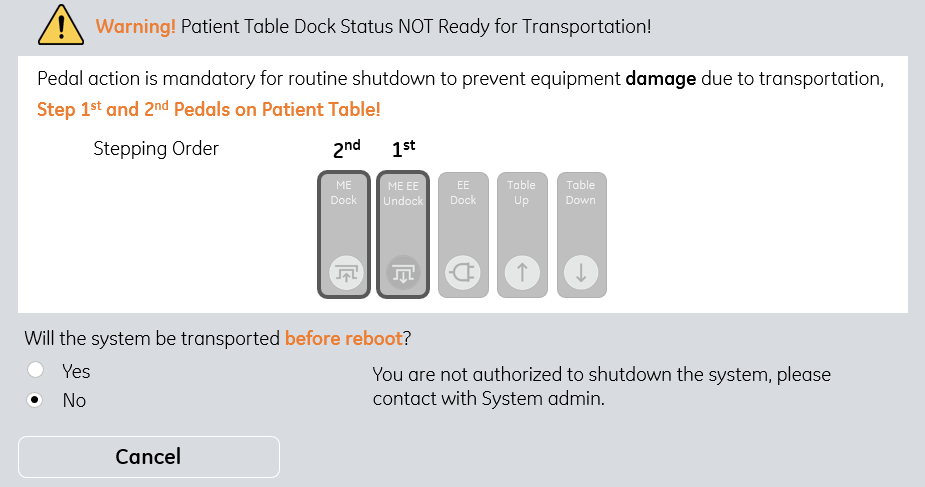
- When your User ID is "gesvc", please choose "NO", and click "Continue" button to power off your system. For details, see System Power Off
- When user choose mechanical dock "ON" and electrical dock "ON", "Confirm Before Power Off" window will pop up when the dock status is not as desired.
Figure 4. Example of: Confirm Before Power Off screen