

- 00000018WIA305FA970GYZ
- id_400216621.2
- Mar 9, 2022 1:27:00 PM
Move the toolbar
Before you begin
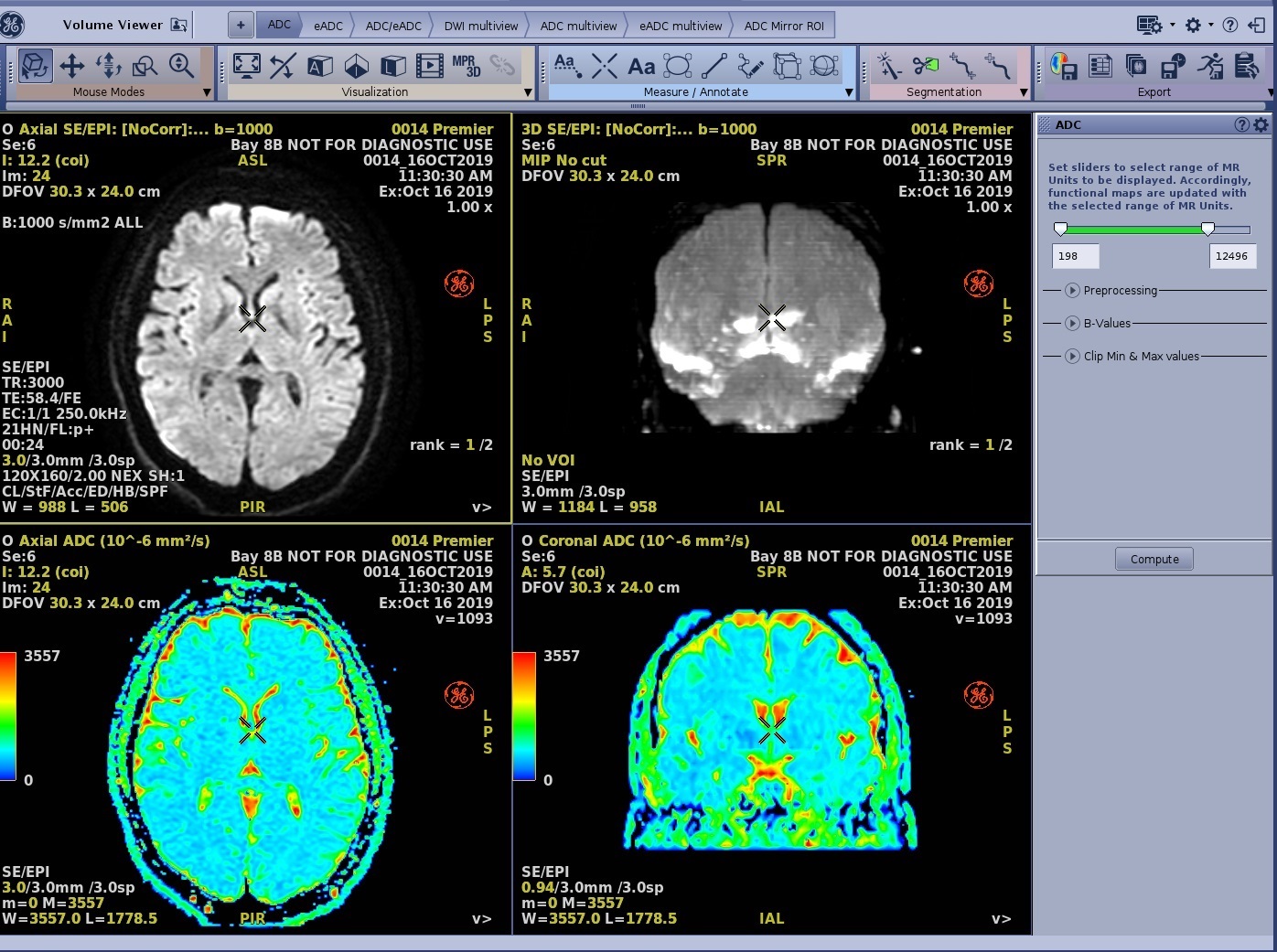
The MR General Review is open and the Toolbar is in a horizontal direction.
About this task
Use these steps to position the Toolbar either in a horizontal or vertical orientation and to arrange the icon groupings on the Toolbar.
Step-by-step instructions
- Click the Toolbar handle located on the left side of the Toolbar.
Figure 2. Toolbar handle 
- Left-click and drag the toolbar to the left or right side of the screen.
Figure 3. Move toolbar 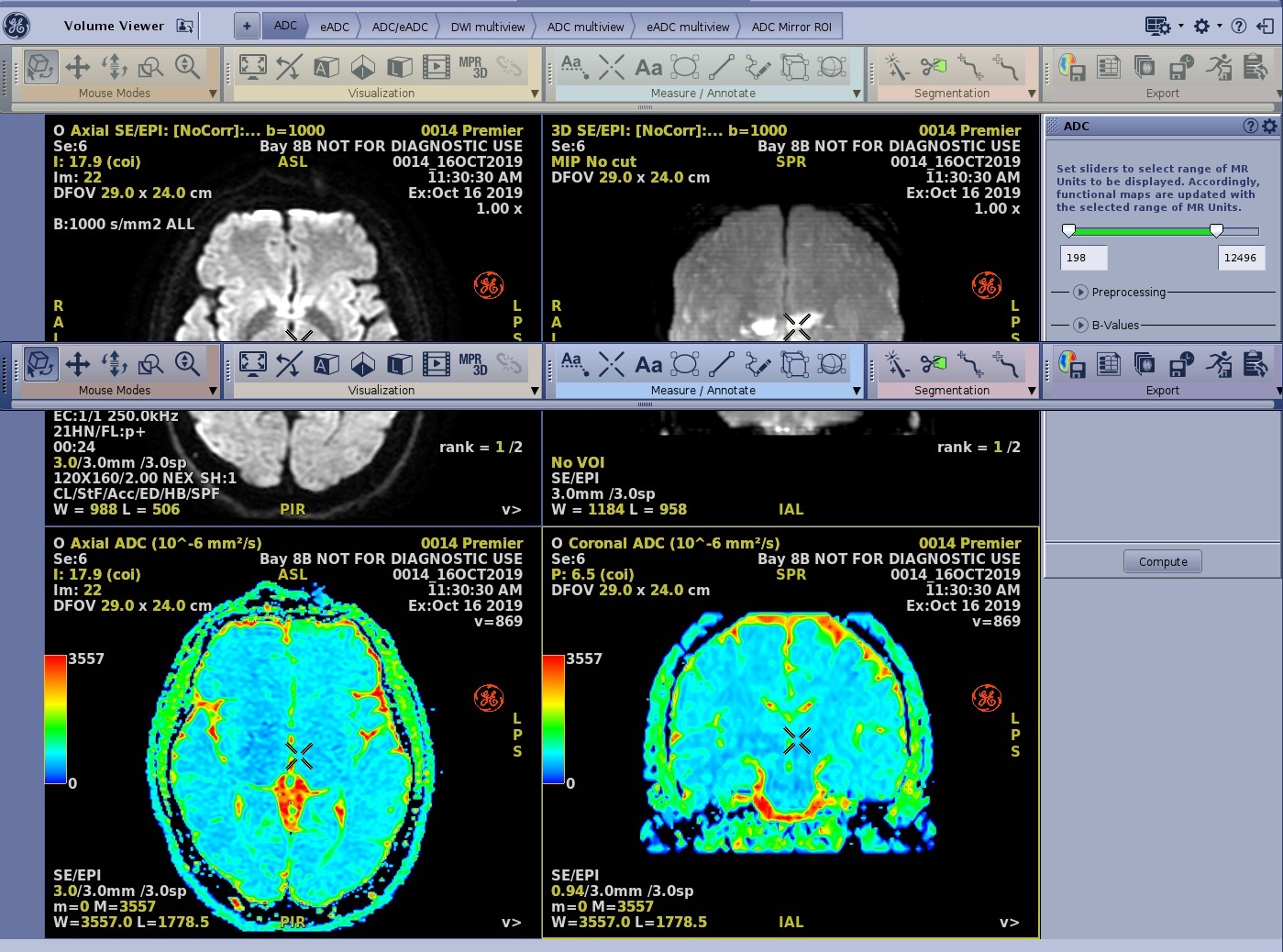
- Release the left mouse button and the Toolbar moves to end destination.
Figure 4. Toolbar positioned vertically 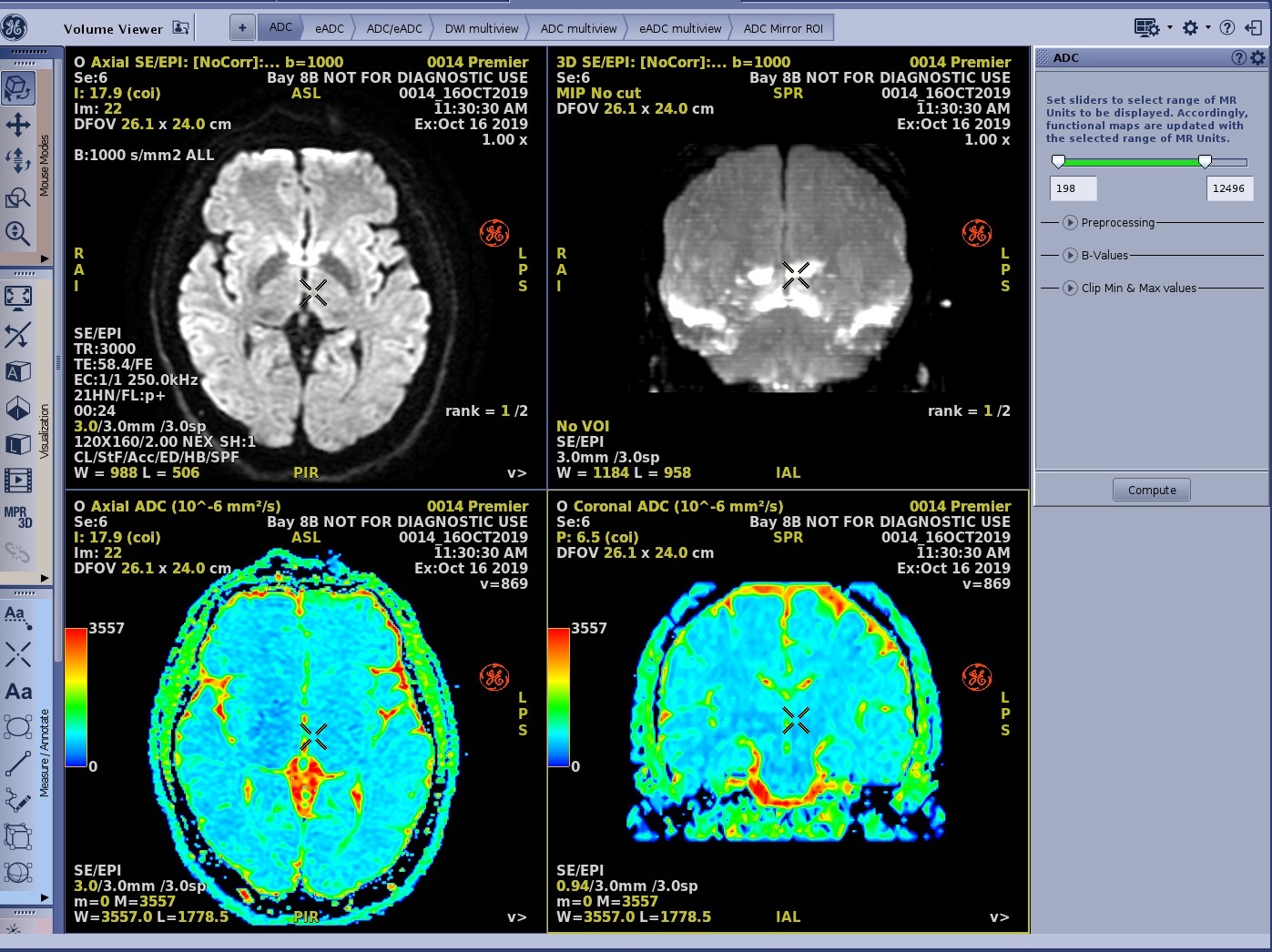
- To rearrange an icon grouping, click the handle of the individual icon grouping tool area and drag and drop it to a new location.
Figure 5. Mouse Modes icon grouping area handle 
Figure 6. Mouse Modes icon grouping moved to new location 