- 00000018WIA30569280GYZ
- id_20336001.6
- Mar 10, 2022 12:52:13 PM
Scan Anatomy: Breast imaging
This section presents information about breast imaging that includes the following:
- Factors to consider when scanning women with implants.
- Silicon breast manual prescan procedure
- Breast: acquire a scan with saline implants
- VIBRANT
- VIBRANT: acquire a scan
- VIBRANT with Flex Imaging Option
- VIBRANT with Flex Imaging Option: acquire a scan
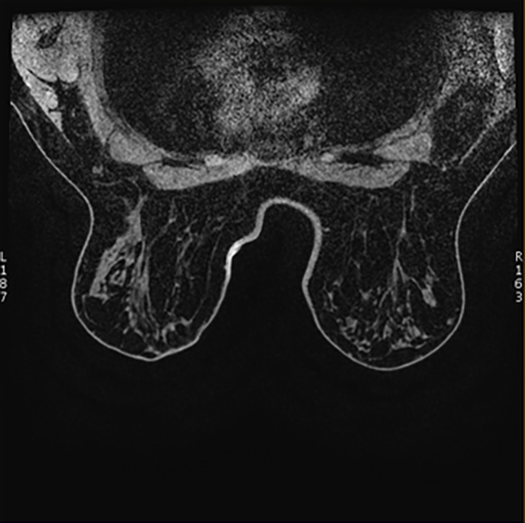
The parameter that you choose on the System Preferences screen for Axial Breast Images Presentation determines how the system displays your breast scan images in all breast scan applications.
- If you choose Supine, the system displays images with the supine orientation. Supine is the default orientation.
Figure 1. Axial Breast Images Presentation: Supine 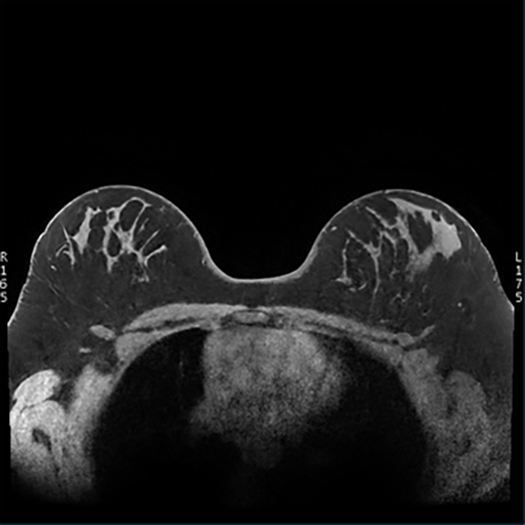
- If you choose Prone, the system displays images with the prone orientation.
Figure 2. Axial Breast Images Presentation: Prone