- 00000018WIA307CC770GYZ
- id_400256121.2
- Feb 24, 2022 7:56:53 PM
Menu bar
About this task
Click the Scan Session tab to view the Scan work area.
| Parameter | Description |
|---|---|
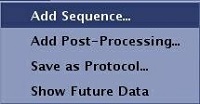
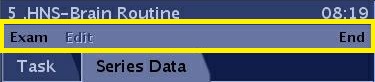
| Menu bar: Exam
| Exam - allows you to:
|
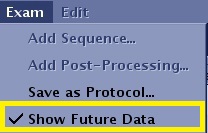
| Menu bar: Exam > Show Future Data
|
|
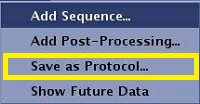
| Menu bar: Exam > Save as Protocol...
| For details, see: |
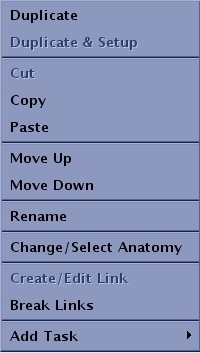
| Menu bar: Edit You can also right-click within the Workflow Manager Task tab to view the Edit menu.
| Cut, Copy, Paste, Duplicate allow you to cut, copy, paste or duplicate the selected task in the Workflow Manager. For details see :
Move up, Move down allow you to move the selected task up or down the task list in the Workflow Manager. For details see: Rename allows you to edit the name of the selected task in the Workflow Manager. For details see:
Change/Select Anatomy Allows you to change or select an anatomical region for tasks in the Task List. The Anatomical Region determines the optimum algorithm for the PURE intensity correction and applicability of MAGiC scans. For details, see: Create/Edit link allows you to create or edit an existing link between series in the Workflow Manager. For details see: Add task allows you to add a scan sequence or a post process task. For details, see: |
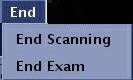
| Menu bar: End
| End menu selections allow you to end the exam or scanning session. For details, see: |