

- 00000018WIA302AC770GYZ
- id_400258431.8
- Jun 14, 2022 1:00:55 AM
Access electronic instructions for use from the internet
Step-by-step instructions
- Click Visit the Site.
Figure 1. Customer Documentation Portal screen area 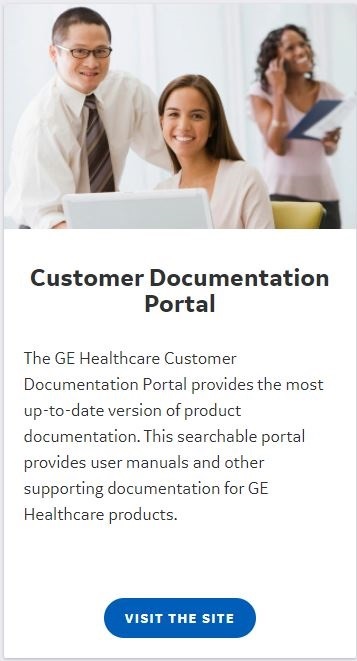
Result
The Customer Documentation Portal appears. - Either populate the search field or use the drop-down menus to change your search parameters, then click Search.
Figure 2. Exmaple of: Customer Documentation Portal screen 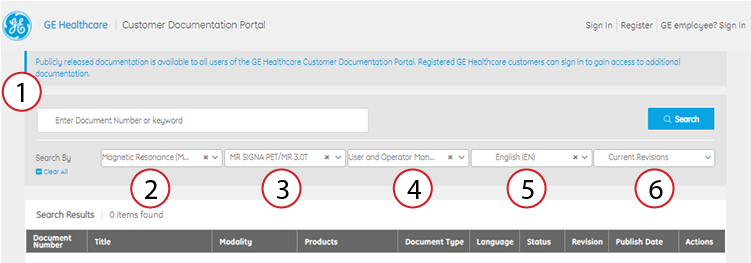
Table 1. Image legend Number Description 1 Search field 2 Modality drop-down menu 3 Product drop-down menu 4 Manual type drop-down menu Select User and Operator Manual.
5 Language drop-down menu 6 Revisions drop-down menu Select Current Revisions.
- In the Search Results list, locate your manual and click the Download icon (
 ).
).