

- 00000018WIA30EA0970GYZ
- id_400266161.1
- Jul 22, 2021 1:48:01 PM
Review Manager
About this task
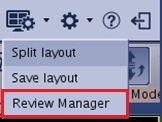
From the Layout and Review options menu, select Review Manager to view the Review Manager screen.
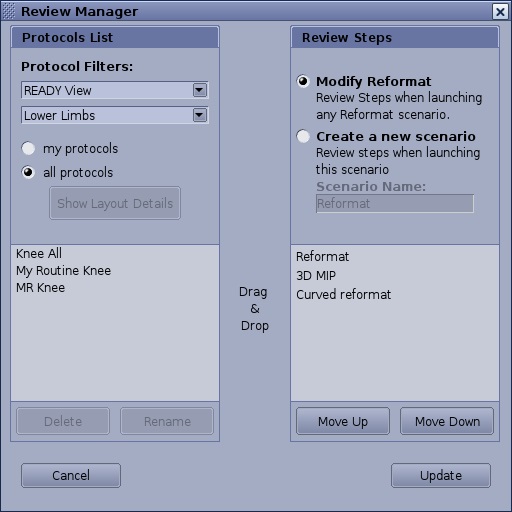
The Review Manager screen allows you to modify the following:
- The Protocol List is a list of all preset layout protocols, both user and GE created. You can delete or Rename a protocol, and filter the list of protocols by selecting my protocols or all protocols option buttons.
- The Review Steps allows you to rearrange the Review steps and to create a new scenario or set of Review Steps and then name the review steps, which then becomes a protocol.