- 00000018WIA3096A970GYZ
- id_400237131.1
- Jul 22, 2021 1:49:10 PM
Split layout
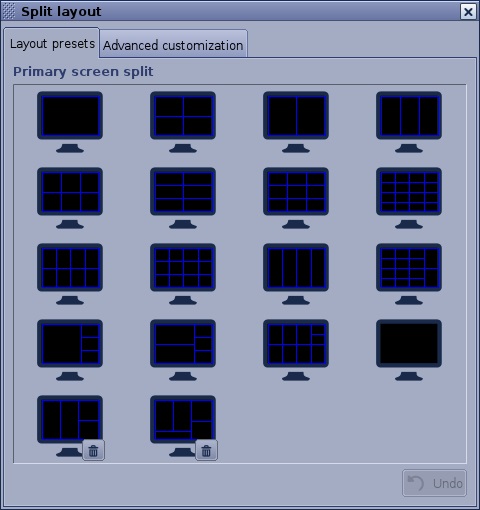
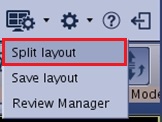
From the Layout and Review options menu, select Split layout to view the Split layout screen.
The Split layout screen allows you to do the following:
- Select a screen layout from the preset options on the Layout presets tab.
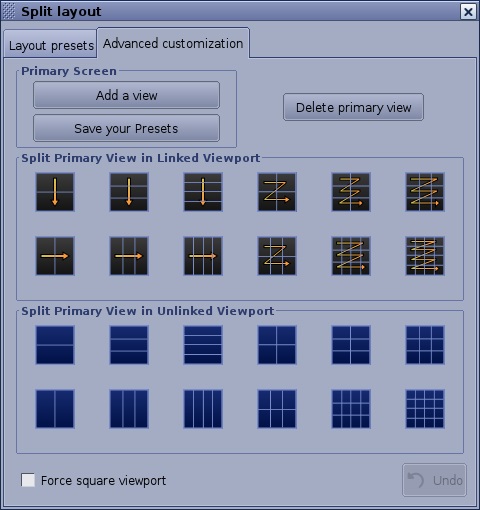
- Customize the layout of a viewport or add a viewport from the Advanced customization tab.
- Click Undo to reset to the previous layout.
- Click
 to permanently delete a layout. GE layouts cannot be deleted.