

- 00000018WIA30F3B770GYZ
- id_400231261.2
- Mar 17, 2022 4:08:45 PM
Navigator troubleshooting tips
| Navigator waveform pattern | Cause | Action |
|---|---|---|
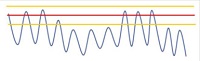
| Drift down
| Patient specific | Wait 3-4 cycles and move the threshold up slightly, if needed. |
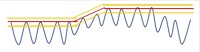
| Drift up
| Patient specific | Move threshold up slightly at once (avoids accepting mid respiratory points). |
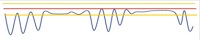
| Apnea
| Patient specific | No action. |
| Abnormally small excursion
| Patient specific | Reduce Navigator acceptance window. |
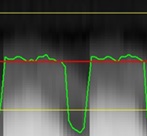
| Acceptable poor signal
| The low navigator signal is due to inhomogeneity effects at the dome of the liver. | There is no need to change any Navigator parameters since the green waveform correctly reflects the respiratory status. |
| Low SNR
| Saturation effect by imaging excitation. | There are three options to correct the saturation effect:
For LAVA, LAVA-FLEX, 3D Dual Echo, there are two additional options:
|
| Diaphragm is far from center of grayscale
| Tracker is located too far away from diaphragm. | From the Graphic Rx viewport, center the tracker line between the diaphragm and the lung. For details, see: |
| Undesirable signal
| Interference from any of the following signals:
|
|

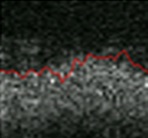
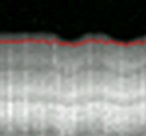
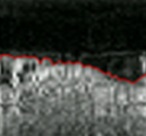
Navigator signal enhancement may reduce T1 contrast if a low flip angle (approximately 10 degrees) is used.